Bank statements in.
Clean spreadsheet out.
Import PDF or CSV statements, scan invoices, and sync to your own Google Sheet. Built for NZ small businesses.
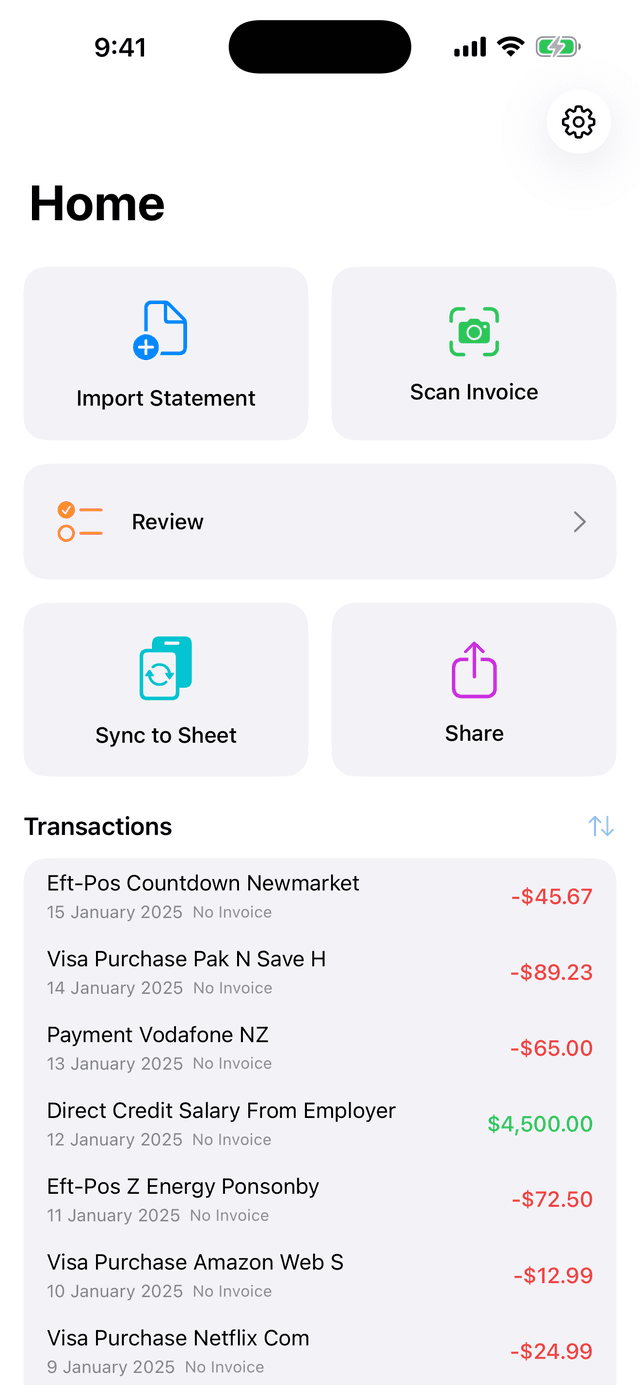
Five taps on the home screen, one clean sheet
Tap a tile, see what opens. Each screen below plays a three second clip of the real app. No uploads, no manual typing.
Import
Pick a PDF from ANZ, BNZ, ASB or Westpac, or a CSV from Kiwibank and any other bank.
Scan
Point the camera at a paper invoice. OCR pulls the supplier, date, total and GST.

Review
Approve suggested categories and matches. Duplicates across statements are caught automatically.
Sync
One tap writes approved transactions to Google Sheets. Open it, filter it, hand it to your accountant.
Share
Send the sheet or a CSV export to your accountant from the app.
Swipe to see all five
Watch the whole run in about a minute
Captions on, no sound. Tap a step to jump to it in the clip.
Your statements never touch our servers.
Transactions live in a local database on your iPhone. Works fully offline.
Sync uses the narrow drive.file permission: the app only sees the sheet it created.
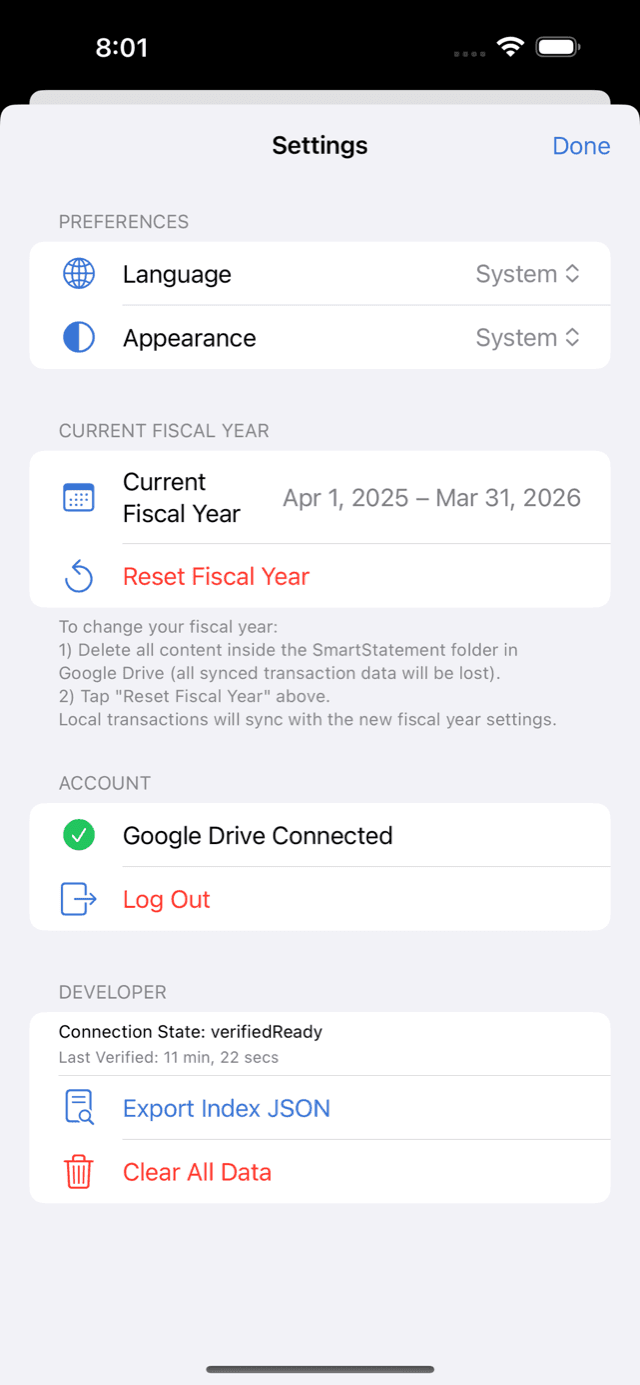
No SmartStatement account, no password, and account deletion is one tap in Settings.
Made for New Zealand bookkeeping
GST report in a tap
Every transaction carries a GST flag. Export a period summary your accountant can drop straight into the return.
Reads NZ bank PDFs
Native PDF parsing for ANZ, BNZ, ASB and Westpac. CSV import for Kiwibank and everyone else.
Accountants and bookkeepers
Clients arrive with a shared Google Sheet instead of a bag of paper. Refer them and earn 20% of the first payment and 10% of every renewal, for the lifetime of the subscription. Paid monthly by bank transfer, NZ$50 minimum, 45-day hold for refunds.
Join the accountant program- Standard column layout across every client
- Duplicates removed before you see them
- Monthly payout, 45-day holdback
Start free. Upgrade when the sheet fills up.
Prices in NZD. Subscriptions are billed through the App Store and can be cancelled any time.
- 20 synced transactions a month
- 20 invoice scans a month
- 1 bank account
- Google Sheets sync
- 200 synced transactions a month
- 200 invoice scans a month
- 5 bank accounts
- No ads
- Unlimited transactions and scans
- Unlimited bank accounts
- GST report export
- Priority support
Questions
Do I need a Google account?
No. Sign in with Apple and use the app fully offline. Connect Google Drive later in Settings when you want a synced sheet.
Which banks are supported?
PDF statements from ANZ, BNZ, ASB and Westpac are parsed natively. CSV import is tested against 34 bank export formats across 8 countries, including Kiwibank.
Where is my data stored?
On your iPhone, and in a Google Sheet inside your own Drive if you connect it. The only thing that reaches our server is feedback you choose to send us.
Can I use it with Xero or my accountant?
Yes. The synced Google Sheet is a plain spreadsheet. Share it, export CSV, or import it into your accounting software.
How do I cancel?
Subscriptions are managed by Apple. Open Settings, tap your name, then Subscriptions.